Start with the recommended settings, then make small changes until it feels right for you. The controls are grouped clearly so you can focus on gameplay instead of hunting through menus.
Install the launcher and open the AI aimbot module.
Choose the ready-made setup for your supported game.
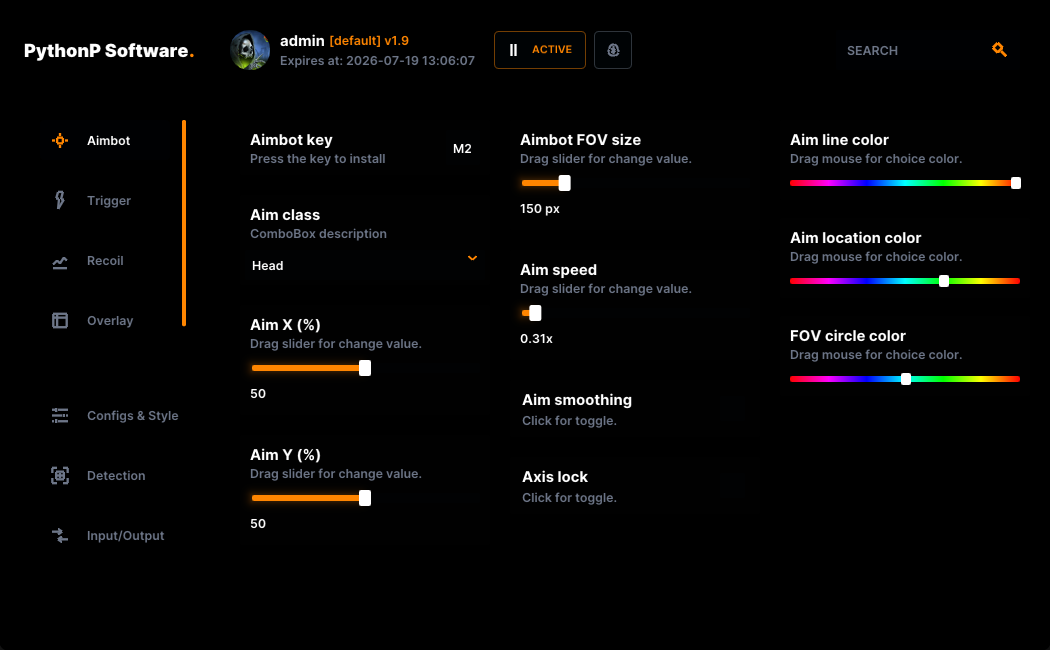
Adjust aim area, speed, smoothness, trigger behavior, and recoil support.
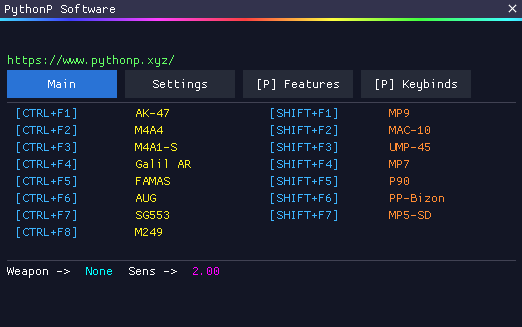
Use aim, trigger, overlay, and recoil options from one simple window.
The program watches the game feed, looks for supported targets, chooses the best target based on your settings, then applies the aim or trigger action you selected.
Reads your selected game or capture feed.
Looks for supported targets on screen.
Picks the target that matches your aim area and settings.
Applies your smoothness, trigger, recoil, and mouse movement settings.
The interface is split into simple tabs. Aim controls change the aim area, speed, and smoothness. Trigger controls change how fast it reacts. Overlay controls change what you see on screen. Input and output settings help match the program to your PC setup.
Use the slider to compare a cleaner view with the glow overlay enabled, so you can decide how much visual help you want while playing.


Play a short minigame to train the AI. It learns your unique flick speed, micro-adjustments, and curve. The result? Completely undetectable aim that perfectly mimics your human quirks, with fully adjustable speed so you can make it as fast and accurate as you need.
Upload an image, complete the check, and the site will show what the AI can find by drawing boxes over the image.
AI Aimbot and No Recoil are built to work together in one setup. The AI helps with target aim and trigger behavior, while No Recoil helps keep weapon movement controlled during sprays.
Choose short, standard, or longer access from Marketplace depending on how long you want to use it.